
Klamath County VINELink Is VISOR
The sheriff's official Victim Notification Network page points straight to VISOR, short for Victim Information System in Oregon. The free service checks custody status in a county or state facility. It also registers automatic notices for release or transfer.
The county page shows the current VISOR handoff.
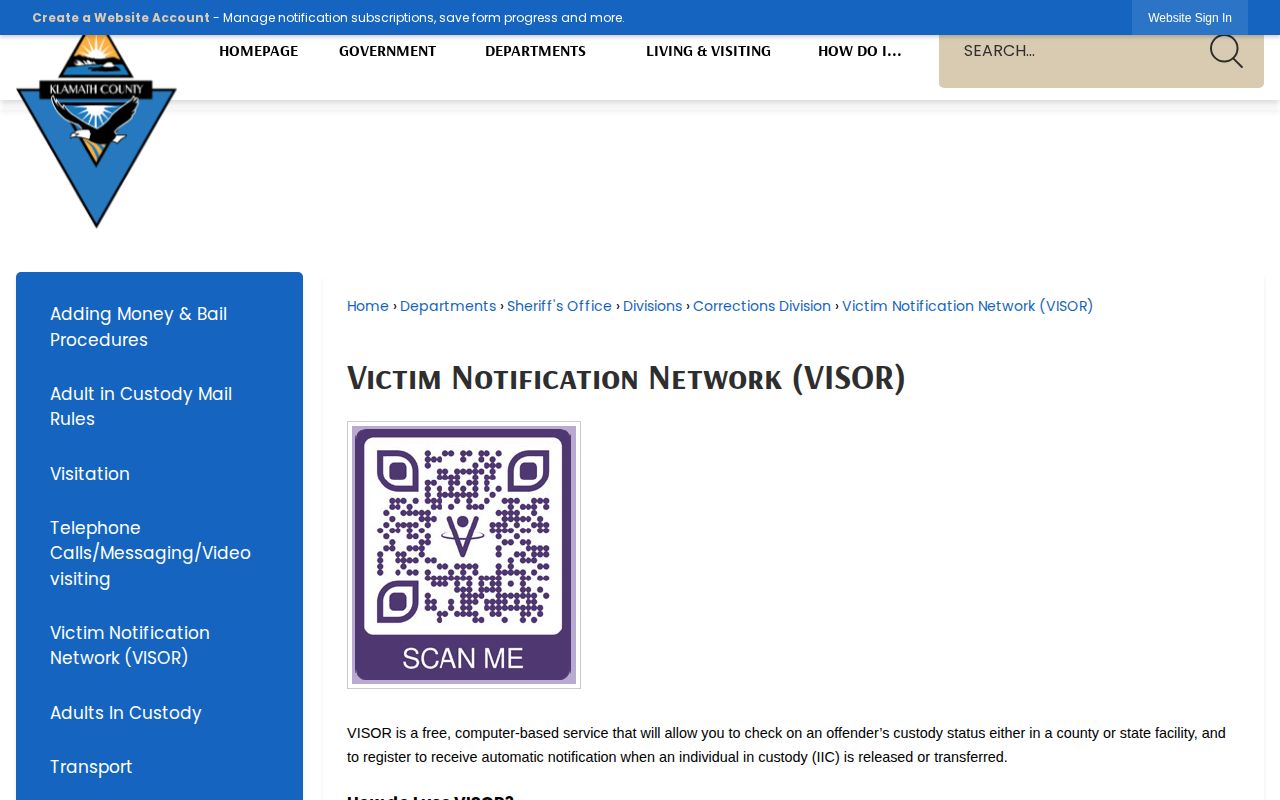
It points to the right path today. Some older Klamath pages still say VINE or VINELink. Those names describe the former system, not a separate current destination. VISOR centers on one person's custody or supervision status and notification eligibility. It is not a list of every arrest. A person cited without jail custody may never appear. A short booking can end before a later search, and a new intake may lag while systems update.
Oregon Changed VINELink to VISOR
Oregon retired VINE and VINELink around October 30 and 31, 2023. VISOR replaced them statewide. State transition material says both systems ran in parallel during the change. Existing registrations moved over. Current notifications now come from VISOR. Klamath County's current Sheriff page uses the new brand, though an older county FAQ still carries legacy wording. That mismatch confuses people. Treat "VISOR, formerly VINE/VINELink" as the same service behind an old bookmark. For searches and registrations, use the live Oregon VISOR site. The legacy page lists an older voicemail number. Current statewide materials identify 855-691-6246 instead. No separate PIN appears in the current registration flow; the guest route uses contact information plus a security question and answer.
Check a Klamath County Inmate
The statewide VISOR search accepts full or partial names, SIDs, and County IDs, behind a CAPTCHA check. Shared names are common. Compare identifiers and custody details before picking a record.
- Open the live Oregon VISOR search and choose the person-search option.
- Enter a full or partial name, SID, or County ID. Complete the CAPTCHA.
- Review all possible matches rather than assuming the first name is correct.
- Select the matching person and read the custody or supervision information.
- Choose registration only if notices for that person are needed.
The live state search screen appears in this captured source:
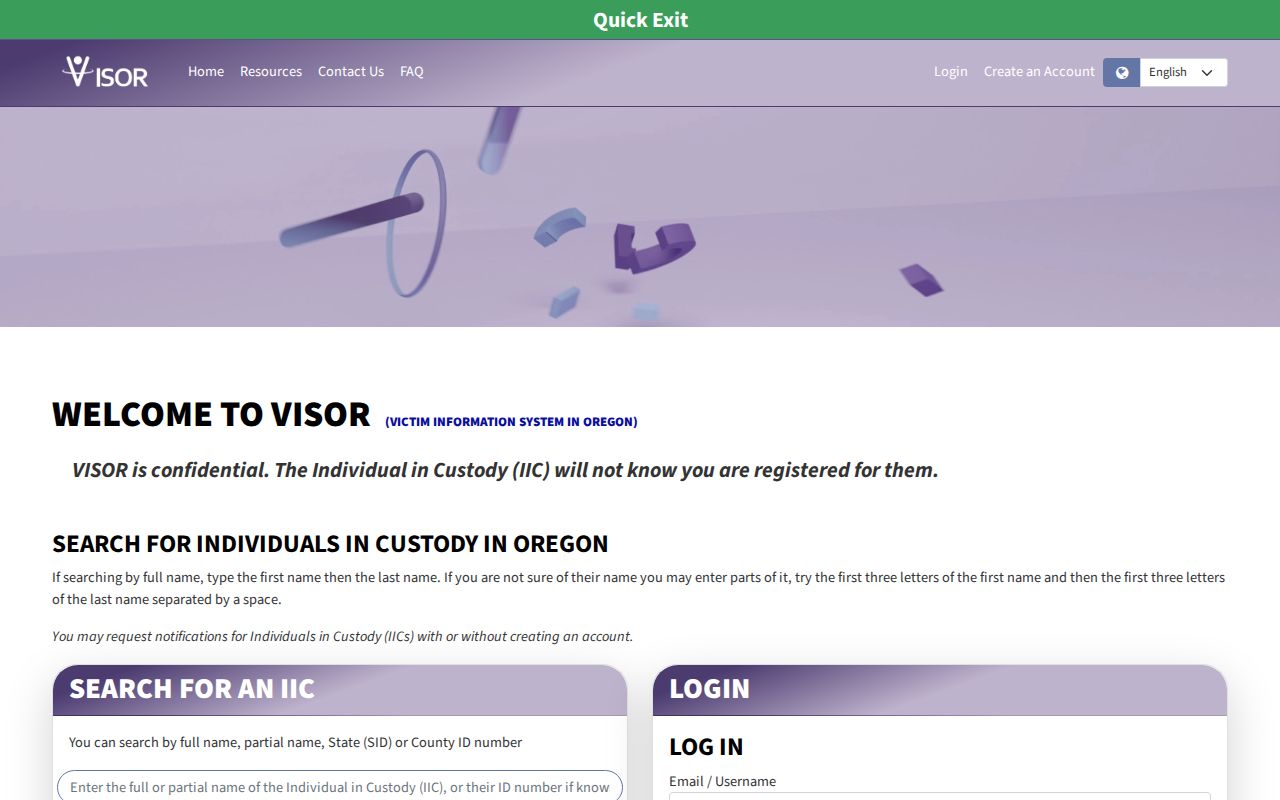
The interface searches participating Oregon custody and supervision data. A custody result is not the final case outcome. Confirm identity with care. Weigh any VISOR result against official county booking details when the match seems uncertain. The Klamath County recent arrests hub explains booking numbers, court case numbers, release fields, and the Sheriff's records route.
What Klamath VISOR Results Mean
VISOR results exist for status and alerts. They cannot rebuild the jail's full intake record. Fields vary by record and custody setting, so treat what you see as a snapshot and confirm key details with the holding agency.
| Result element | What it helps answer | What it does not prove |
|---|---|---|
| Name and identifier | Distinguishes possible matches | That every similar name is the same person |
| Custody or supervision status | Shows the state recorded by VISOR | A complete arrest history |
| Facility or agency | Indicates where to confirm status | Which court outcome is final |
| Notification eligibility | Shows whether alerts can be registered | That a notice will replace a safety plan |
| Custody event | May report release, transfer, escape, or death | Guilt on any charge |
A release notice means the system logged a release event. The booking record still stands. It settles nothing about the case itself. A transfer means movement within covered custody, while the court docket tracks dismissal, plea, conviction, or any other outcome.
Register for Klamath Custody Alerts
VISOR offers guest registration or an account. The account page currently lists account creation as unavailable and directs users to Guest Registration instead. Service options change. Check the live page, and note that phone, email, text, and TTY all work as contact methods.
- Open the matching person's result and select registration for notifications.
- Use Guest Registration when the live site directs users there.
- Choose the offered phone, text, email, or TTY method and enter accurate contact information.
- Create the requested security question and answer. Do not invent a PIN if the screen does not request one.
- Save the confirmation and update contact information if it changes.
The current guest-registration page documents the available contact channels:
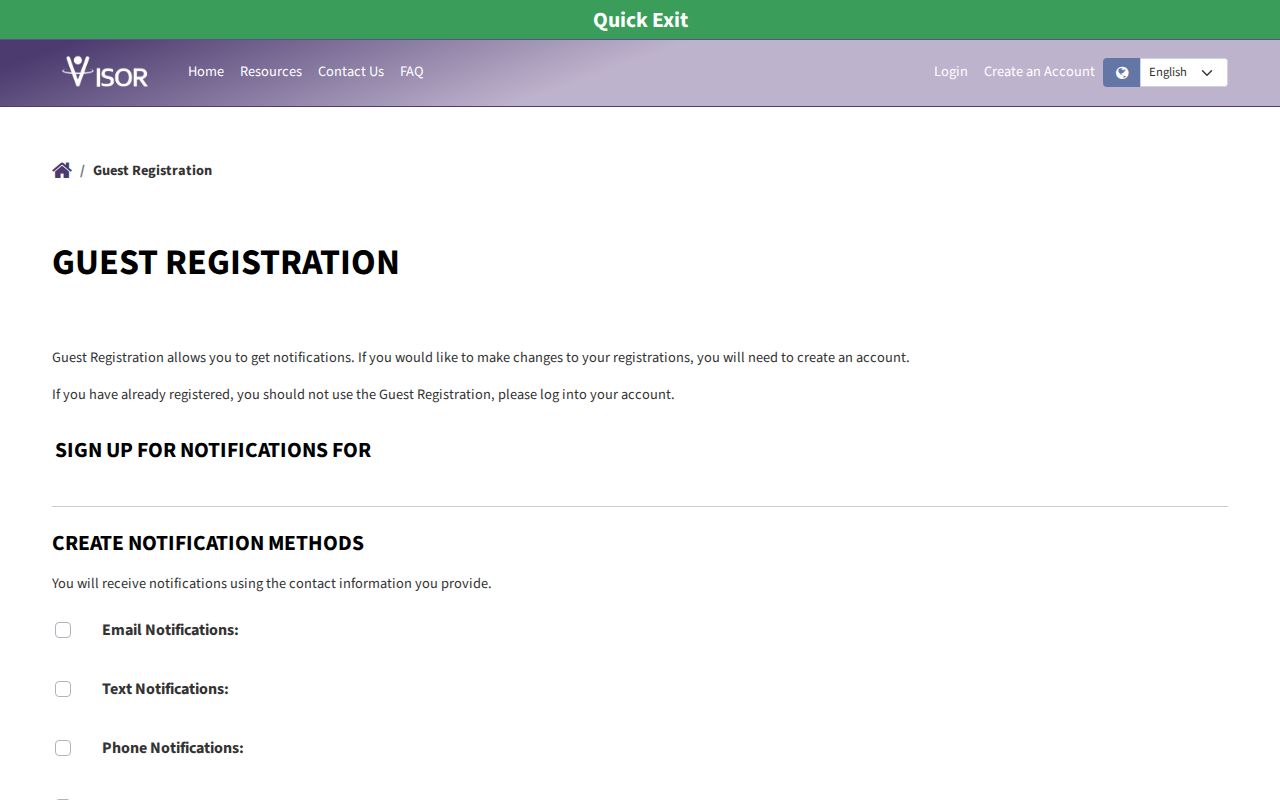
Registration runs on a security question and answer. You can keep it confidential, and state materials describe anonymous options. Alerts can cover release, transfer, escape, or death. Multiple contacts are allowed, but these are automated events, so keep your details current and never lean on one message for safety.
Fresh Klamath Arrests May Lag
Someone just arrested may not appear right away. Physical arrest, jail intake, record entry, and the statewide notification system are separate steps. No source promises when a Klamath booking reaches VISOR. Early absence means little. Start with the official Web Jail Viewer for a new local intake. Search the current booking date first. Then widen the range and retry. The Daily Arrest Report explains that narrow county search. Call Klamath County Jail at 541-883-4197 when current custody must be confirmed. A citation can be issued instead of jail custody. A court matter may then exist with no booking or VISOR record, so court and agency records are the proper fallback rather than repeated name guesses.
Klamath Release Alert Safety
VISOR sends helpful notices. Even so, state and county materials never promise that a single alert is a full safety plan. Alerts can fail to arrive because of stale contact details, phone settings, network trouble, or plain system timing. Update your registration often. Keep the security answer or confirmation somewhere safe.
In a crisis, dial 911. For non-emergency county direction after hours, Klamath County 9-1-1 lists 541-884-4876, option 4. The Sheriff answers at 541-883-5130. Each line serves a different need than the automated status search.
Never let a VISOR result push you toward following, confronting, or approaching anyone. A release or transfer can shift in minutes, so turn to law enforcement or a victim-service professional when safety is on the line.
Klamath VINELink Coverage Limits
VISOR tracks people in participating Oregon custody or supervision, county and state alike. It stops there. There is no federal Bureau of Prisons lookup inside the system. There is also no ICE detainee search. The BOP runs its own inmate locator, and ICE keeps a separate detainee tool. Klamath jail may accept people from federal agencies. That fact alone adds no special federal feed to VISOR.
| Situation | First source | Why |
|---|---|---|
| Just booked locally | Klamath Web Jail Viewer or jail | Closest source to county intake |
| Release or transfer alert | Oregon VISOR | Designed for event notification |
| Final charge outcome | Klamath Circuit or Justice Court | Custody systems do not decide disposition |
| Oregon prison or supervision | Oregon Offender Search and VISOR | Later state custody stage |
| Federal prison | BOP locator | Outside Oregon VISOR scope |
| Immigration detention | ICE detainee locator | Separate federal system |
It is not a mugshot gallery either. VISOR cannot promise a booking photo, a full police report, a bond schedule, a historical arrest list, or a final docket. Ask the agency that creates those records.
Confirm Klamath Custody Changes
Good confirmation starts with the source nearest the event. A fresh arrest? Search the county viewer. Ongoing alerts? Register in VISOR. State prison or community corrections questions go to Oregon DOC, and a case outcome calls for the court number from the booking detail. Historical or missing records belong with the Sheriff's Criminal Records Unit, which is reached at 541-883-5130, option 3, 3300 Vandenberg Road, Klamath Falls, OR 97603. The jail sits next door at 3201 Vandenberg Road and answers custody questions at 541-883-4197. These offices are not interchangeable, so direct each question to the right one.
Write down the date and time of anything seen online, since custody data shifts fast. Save the exact identifier, facility, and event. When a result looks wrong, report the specific error to the source agency rather than trusting a stale screen.
Public Record Search
Sponsored Results